Prepare readable documents
Download Word, PDF or TXT with the speaker and timecode options appropriate to your document.
Export transcripts and translations to DOCX, PDF, TXT, JSON, CSV and timed text. Configure speaker names, timecodes and research or editing outputs.
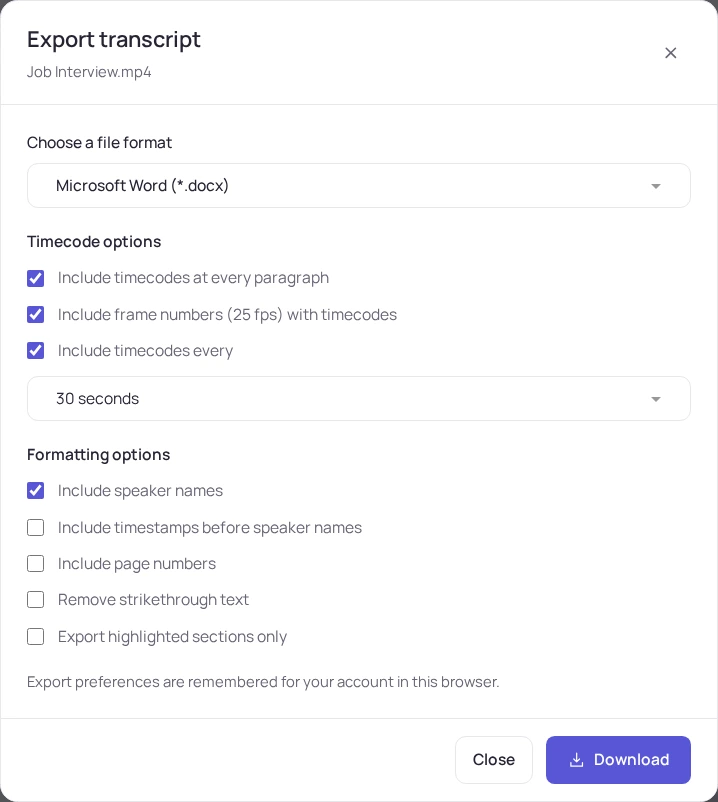
Download Word, PDF or TXT with the speaker and timecode options appropriate to your document.
Use CSV or NVivo transcript rows to take reviewed material into qualitative research.
Export Avid DS Caption, Marker or ScriptSync text, or timed text in SRT, VTT and TTML.
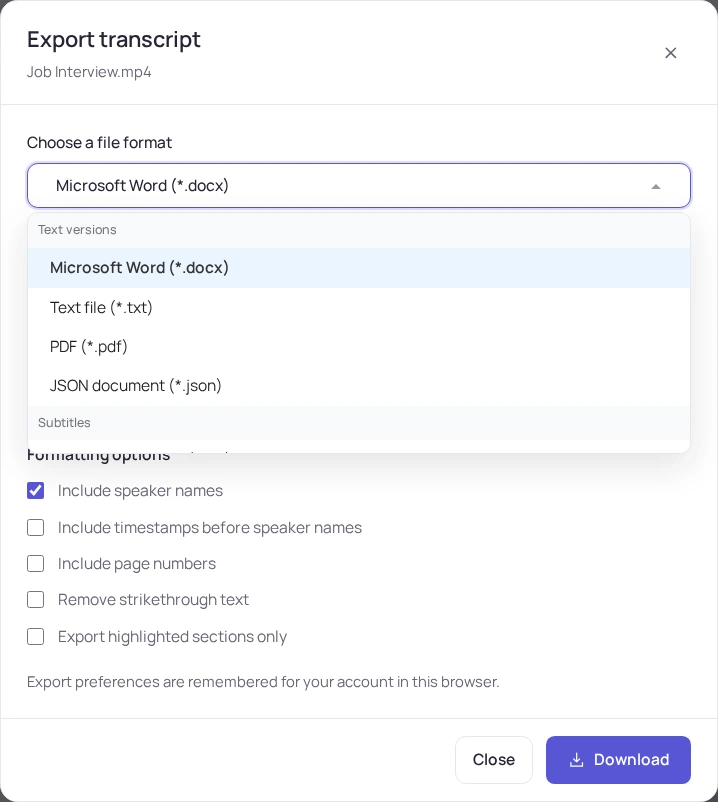
Export original transcripts or edited translations from the application. Options vary by format and include speaker naming, paragraph or periodic timecodes, highlighted-only text and removal of struck text. You can also download the original media. Timed-text export is part of the editor workflow.
Explore all questionsCorrect the transcript or translated version before export.
Select a document, research, editing or timed-text format.
Configure the available options and download the result.
DOCX, TXT, PDF, JSON, SRT, VTT, TTML, CSV, NVivo transcript rows and Avid DS Caption, Marker and ScriptSync text. Original media download is also available.
No. Audio and video are source files; export formats describe the reviewed transcript or translation.
Translated text does not preserve precise original word timings. The application adjusts available export options accordingly.
Choose a service in the application or browse every feature and workflow.